Add your list
Upload your packing list. No need to retype product names or quantities.
Everything accounted for? Compare your packing list with delivery photos to see what matches and what needs attention.
No sign-up · Up to 5 product types · Up to 3 photos

Add your document and photos. We’ll compare the product codes.
One text-based PDF, one page
Up to three photos with readable labels
Lay out every item and take an overview photo. Give each individual unit a unique label: A, B, C… Keep this label visible in every shot so the same item isn’t counted twice. Take close-ups of the product codes.
Files are sent to the AI service only when you select “Check delivery”.
Checking product codes, quantities and supporting evidence.
Upload your packing list. No need to retype product names or quantities.
Add photos of your unpacked delivery with product codes and unit labels visible.
Review matches and differences. If something is unclear, add the requested view.
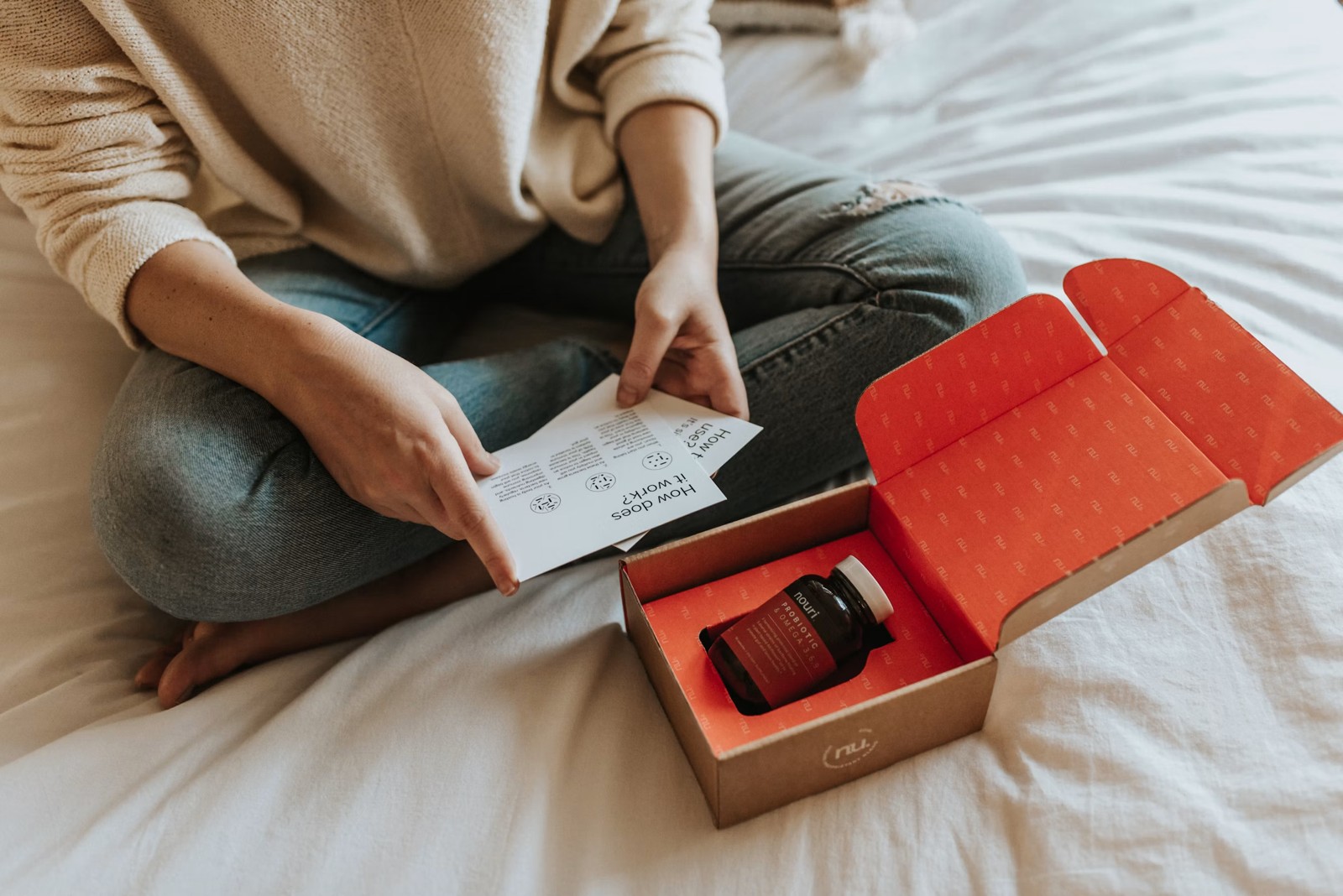
A hidden label can’t be verified. The finding will stay unverified, with a specific request for another photo.
A one-page text-based PDF with product names, SKU codes and ordered quantities. Up to five product types.
Take a close-up of the label, keeping the unit identifier visible. Add the photo, or replace an earlier shot if you have already uploaded three.
Yes. Select “Try an example” to explore prepared sample results. This is an interface demo; the sample delivery photos are AI-generated.
When AI verification is configured, your PDF and photos are sent to OpenAI after you select “Check delivery”. This app does not save them in its own database. The demo uses prepared sample materials only.